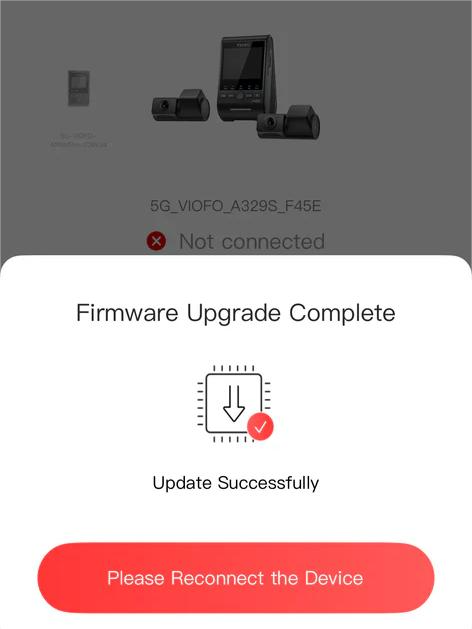
Wireless Firmware Update Guide
The simplest way to keep your dashcam current on Guam.
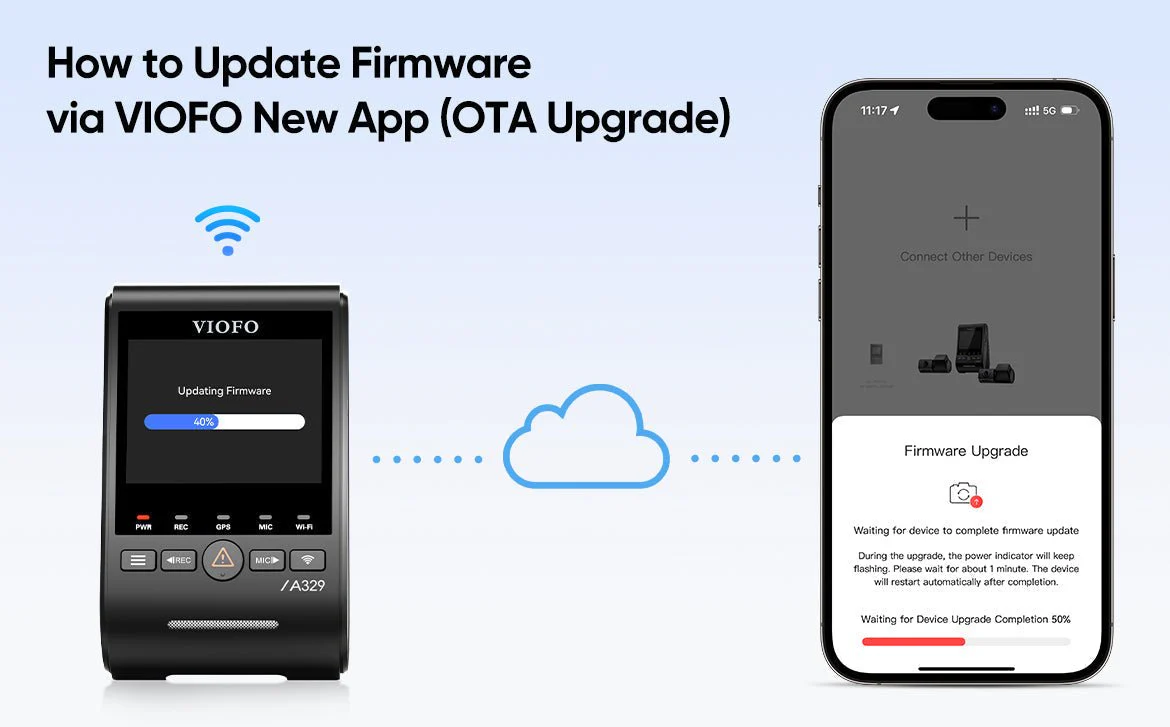
Watch the Step-by-Step Video
Download the VIOFO App
You will need the official app to perform this wireless update.
 App Store
 Google Play
1
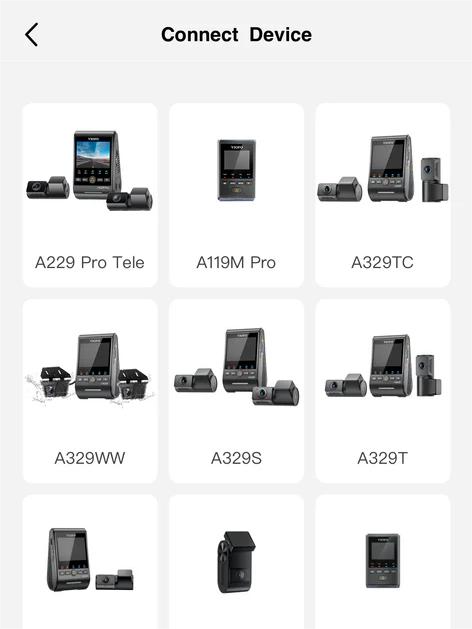
Connect & Select Model
Connect your phone to the dashcam’s Wi-Fi. Open the app and select your specific model from the list. This tells the app which version of firmware to look for.
2
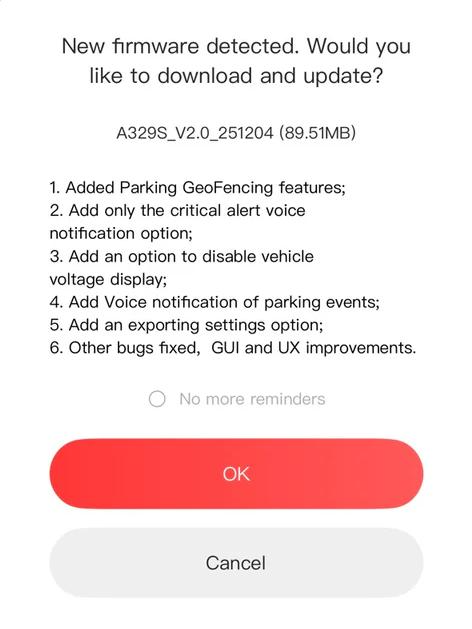
Detect & Download
The app will check for updates. If a newer version is found, tap ‘Download’. The firmware will be saved to your phone via cellular data.
⚠️ CRITICAL: KEEP POWER ON.
Ensure your vehicle remains running. If power is lost during Step 3, the camera system may fail.
Ensure your vehicle remains running. If power is lost during Step 3, the camera system may fail.
3
Transfer & Update
The app will push the file to the dashcam. Wait for the camera to beep and reboot. Once you see the ‘Success’ screen, your dashcam is officially updated.